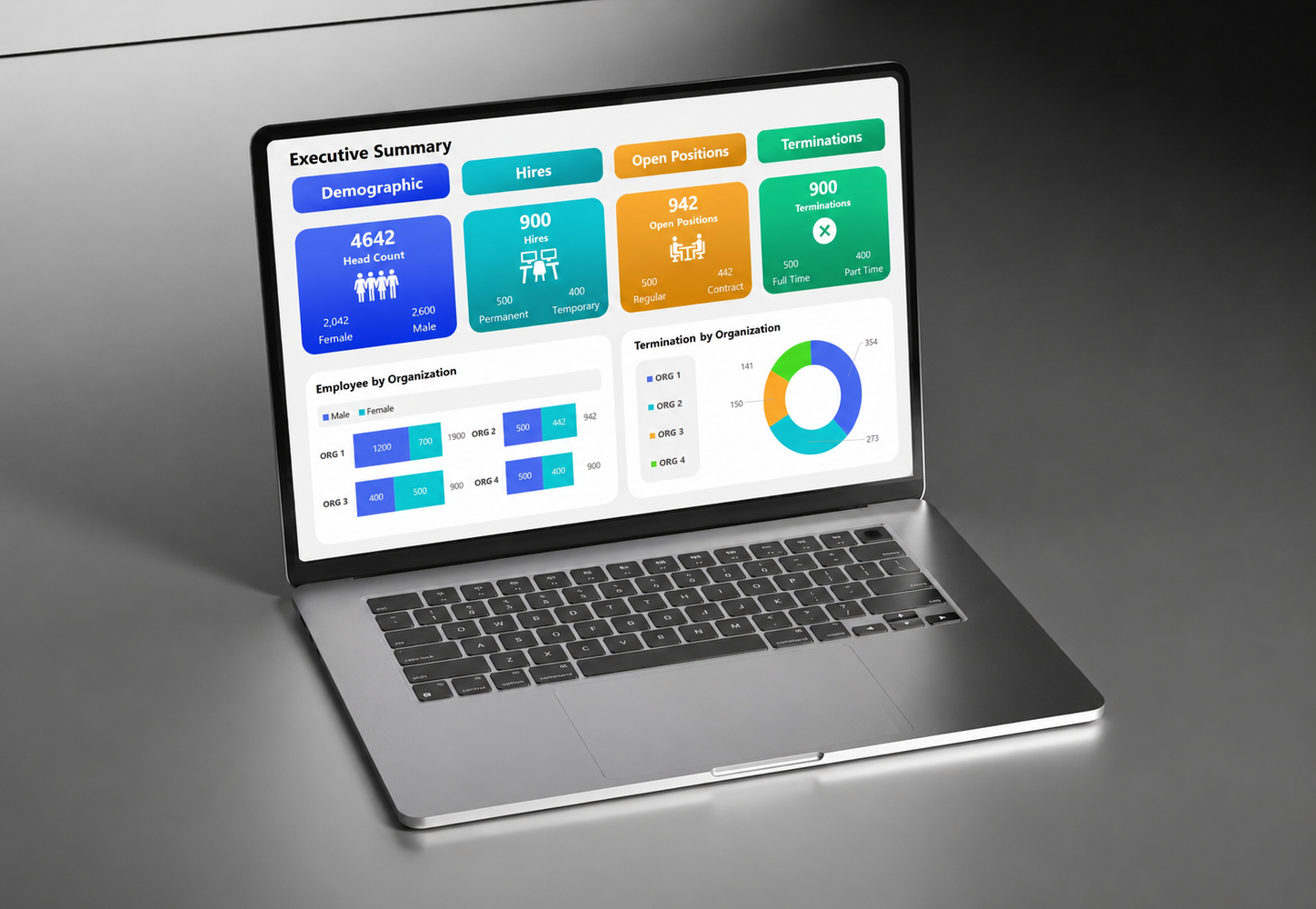
Organisations sometimes call any complicated website a portal. A real portal usually exists because different users need access to information, actions or records that cannot be handled well through public pages alone. The distinction matters because portals introduce identity, permissions, workflow and support requirements.
Look for repeated user-specific tasks
If members, clients, suppliers or staff regularly log in to submit information, track requests, retrieve documents or manage records, a portal may be appropriate.
Do not use authentication without a reason
Putting ordinary information behind a login creates friction and support overhead. Public content should remain public unless privacy, personalization or workflow genuinely requires authentication.
Map permissions early
Different user roles may need different data and actions. Permissions should be designed before development because they affect the data model, interface and security approach.
Plan operational ownership
Portals generate user support, password issues, data questions and ongoing change requests. The organisation needs an owner for those responsibilities after launch.
Consider integration before duplication
If the required information already lives in another system, the portal may need to integrate with it rather than creating a second source of truth.
What to do next
Use this as a working checklist for your organisation, then adapt it to the actual platform, risk and procurement context. If you are preparing a website project, takeover or ongoing support requirement, WebNT can review the scope with you before implementation begins.